Product Changes
August-2026
August 7, 2026
|
Evan Quartner


Changes for all Users
Searching users
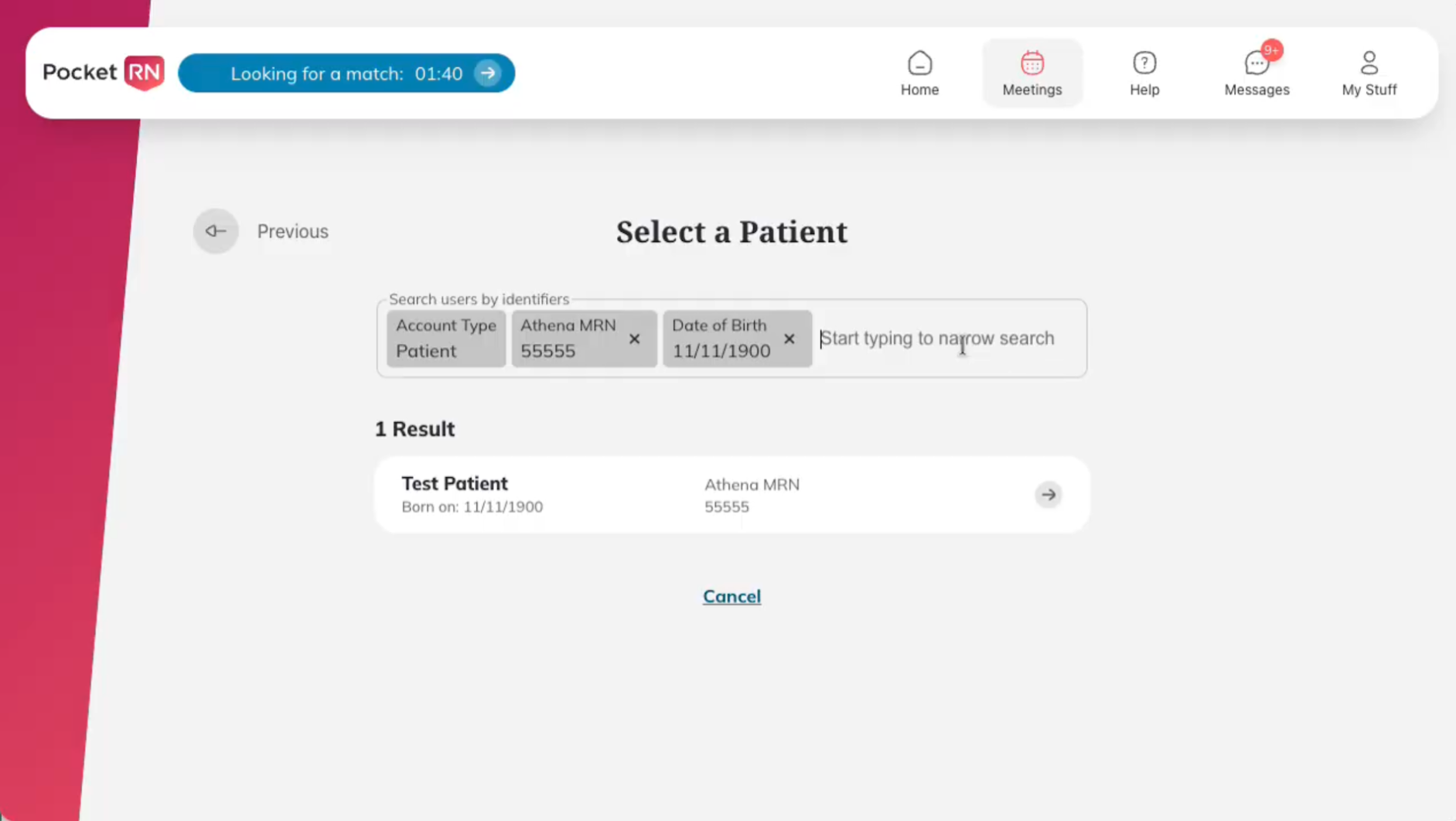
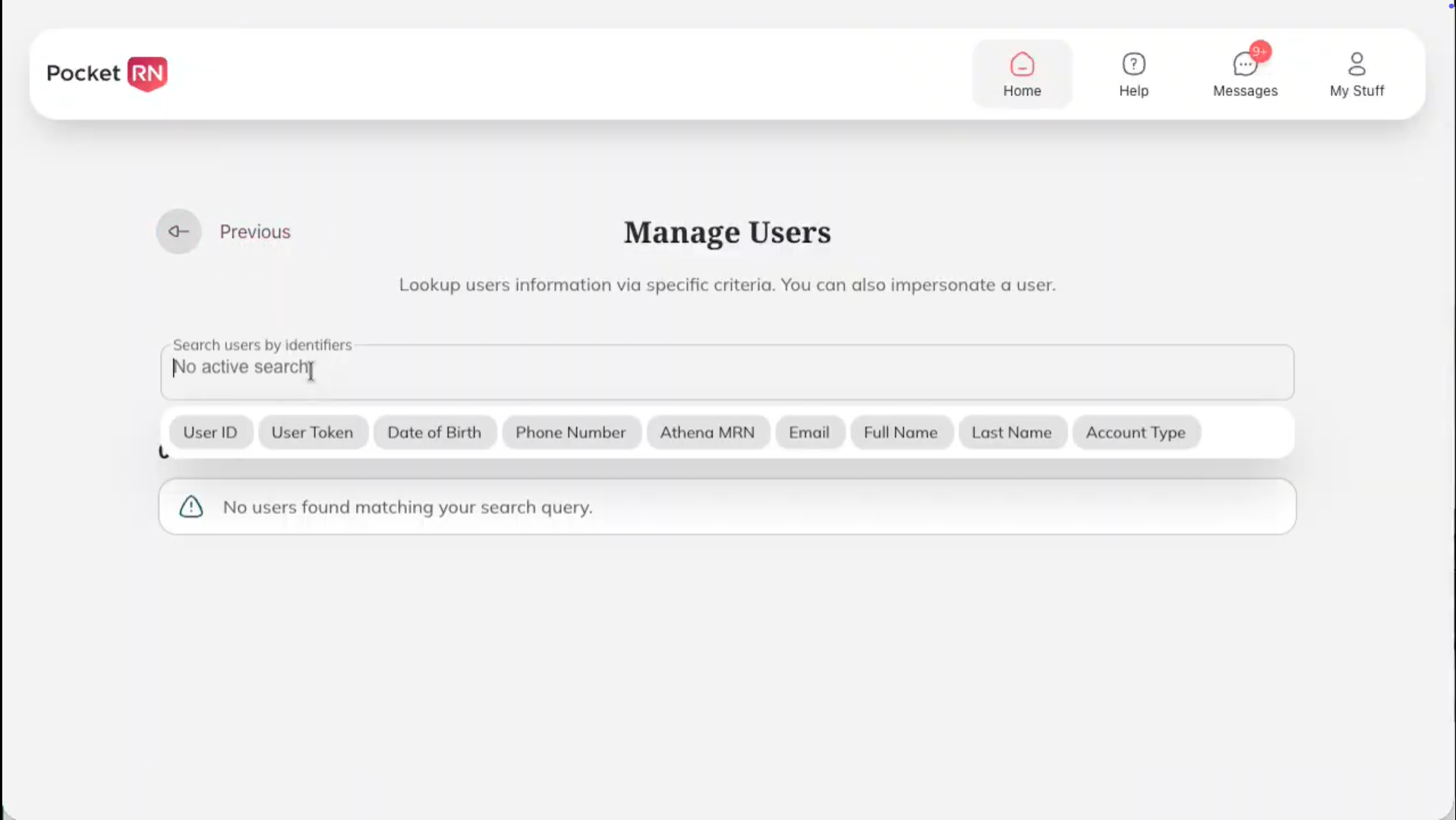
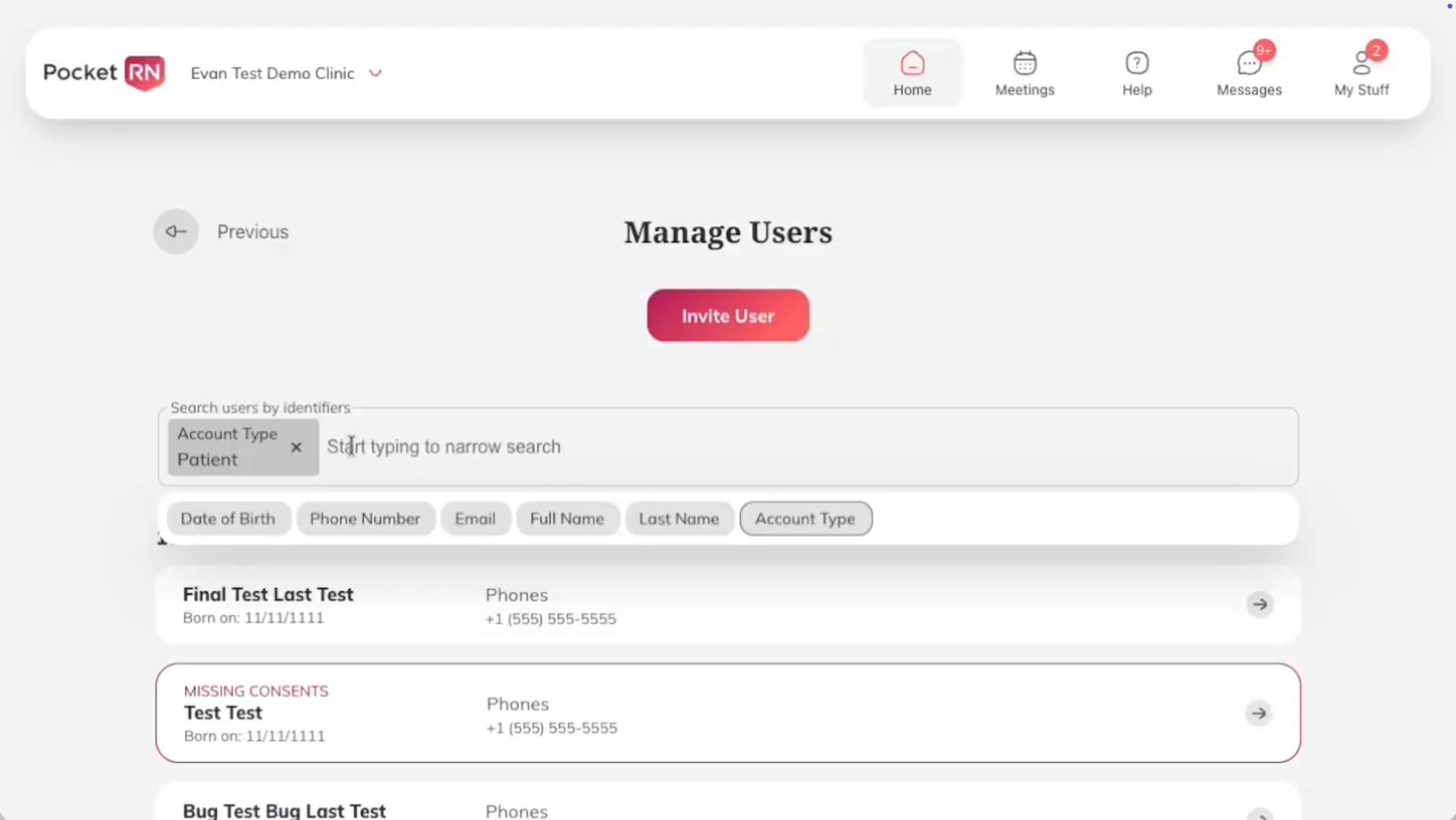
Within this release, nurses gain the ability to locate patients by searching for identifiers such as Full Name, Last Name, Date of Birth, or MRN (Medical Record Number). This functionality provides a more efficient way to select individuals for scheduling or to review their meeting history. Likewise, the Support Team can utilize various identifiers to quickly find and service users. For care admins managing large partners, these search tools offer a streamlined alternative to scrolling through long lists to find specific users.
Canceled meeting visibility
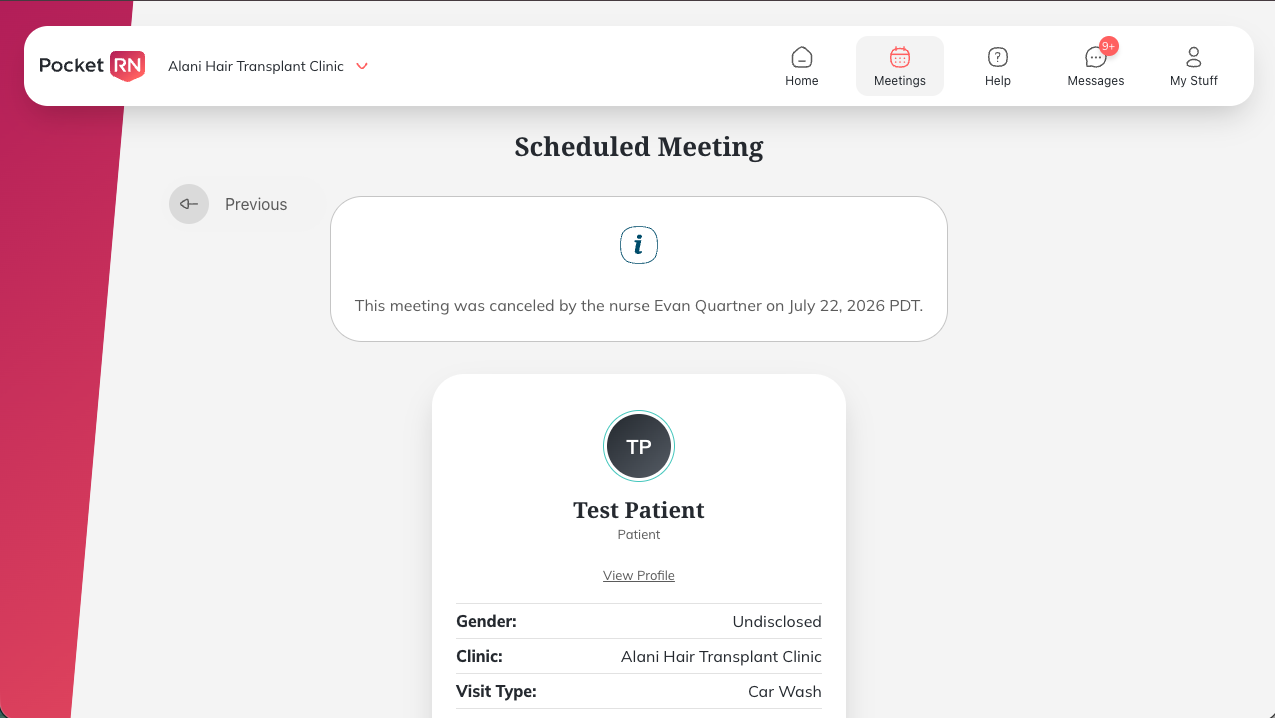
All canceled meetings now display a banner at the top indicating who canceled the meeting and when. This gives users greater visibility into canceled meetings and helps answer follow-up questions. This is especially helpful for Support and Nursing teams, who often need to investigate why and when a meeting was canceled.
Changes for Nurses
Patient consents needing attention after 10 months
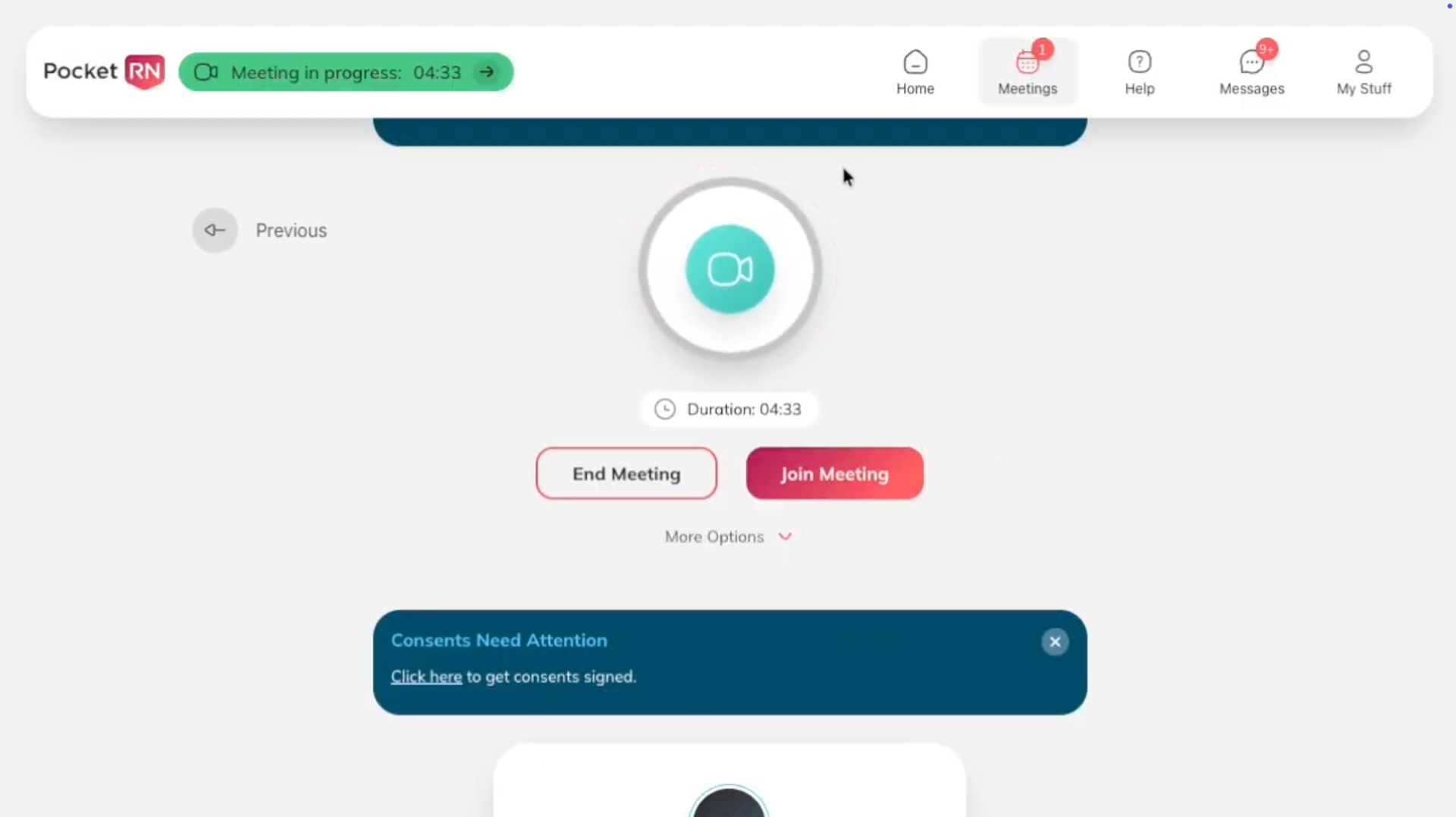
As a best practice, patients should sign new platform consents annually. Beginning with this release, nurses will see a suggestion card during a meeting when it has been 10 months since the patient’s last signed platform consent. This reminder helps nurses obtain updated consents in advance of the annual recommendation.
Changes for Patients and Caregivers
Guided pre-join experience from emailed meeting link
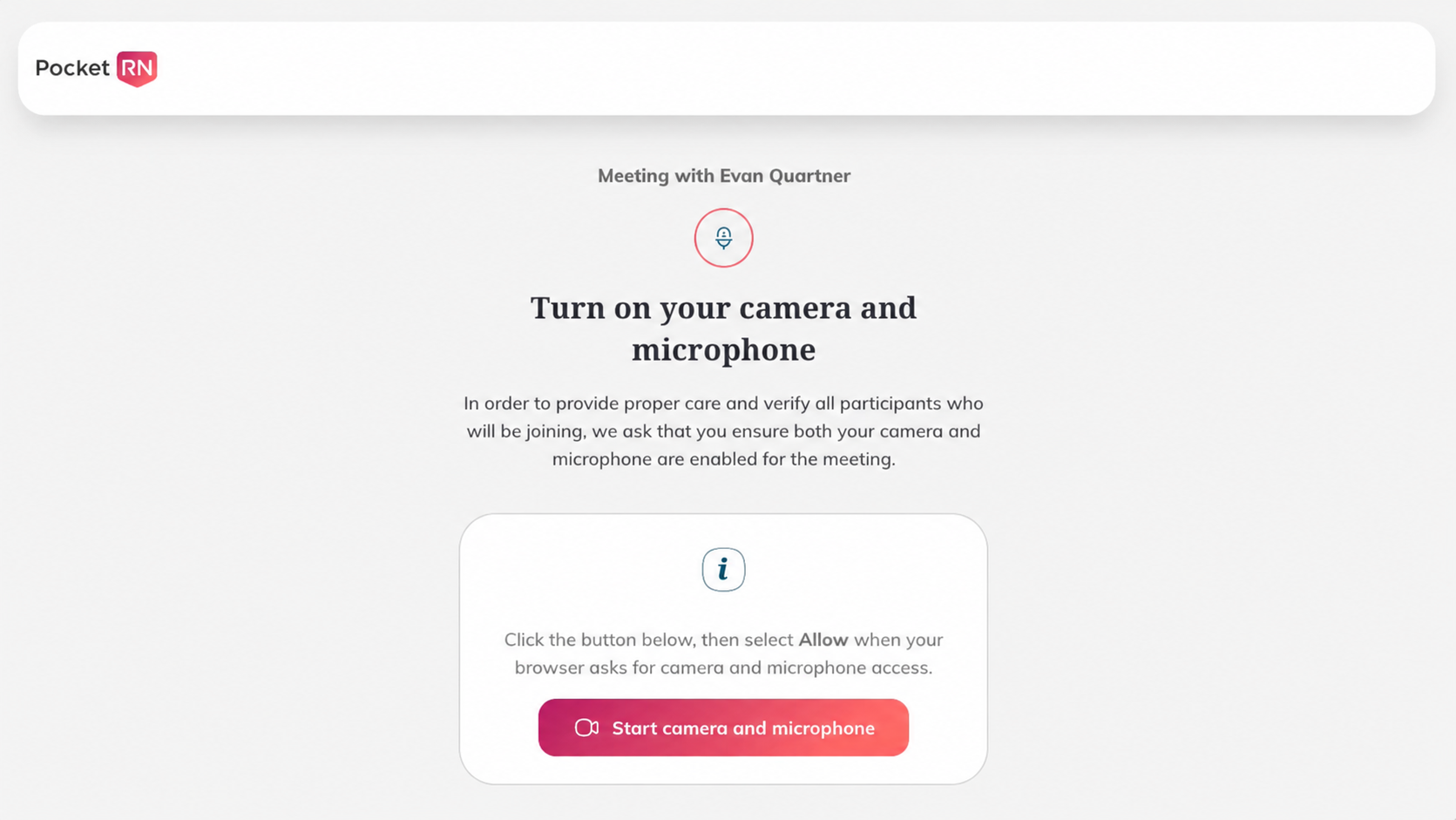
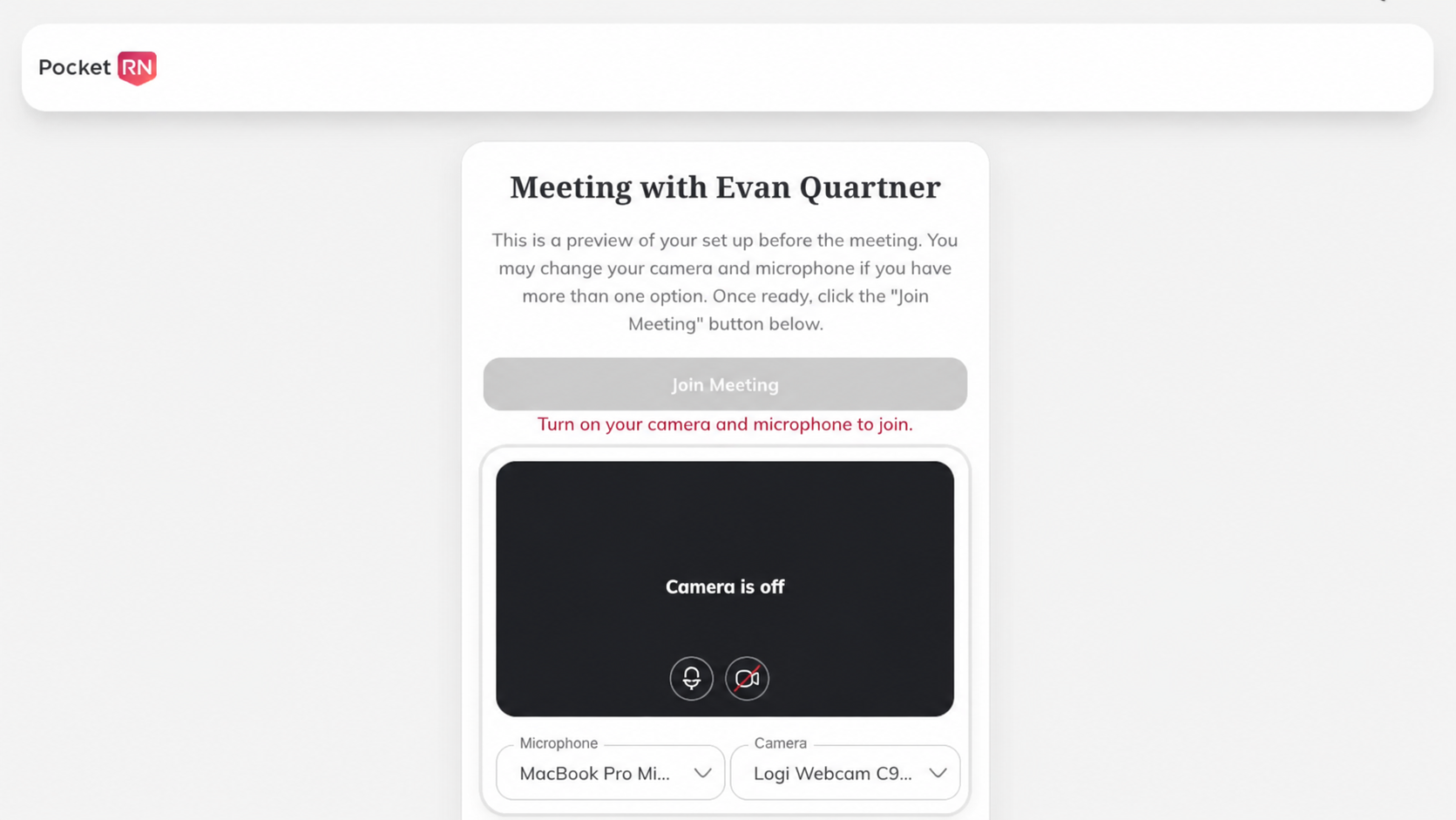
Patients and caregivers who join a meeting from an emailed meeting link will be guided through a new pre-join experience. PocketRN screens walk them through enabling their camera and microphone, previewing their setup, and joining the meeting without needing to download the Zoom app.
Changes for Partners
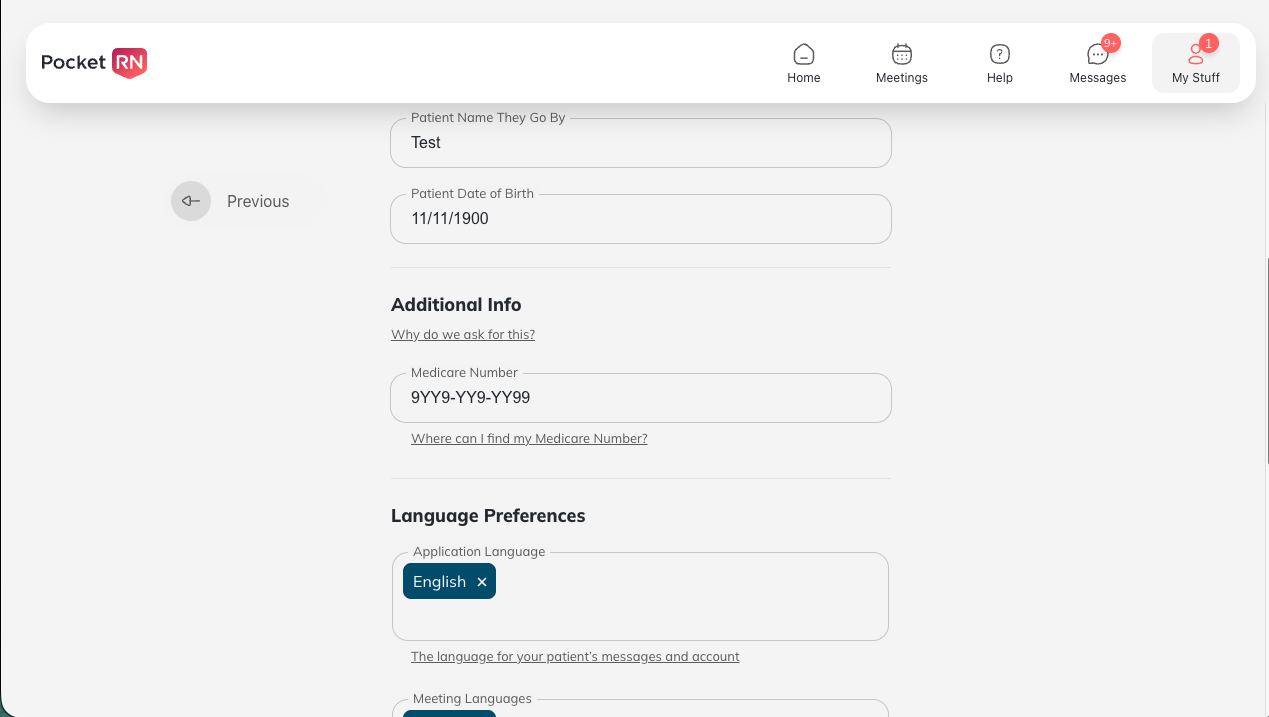
Medicare number during registration
Clinics can have the Medicare number enabled as a required field during patient registration. This supports GUIDE program workflows, including the eligibility check, within the platform.